 Beta
BetaYour measurements.
Your foundation.
Your next garment.
Create personal sewing blocks. Develop tops, skirts and trousers. Print full-size patterns at home.

- 01Save your measurements
- 02Create a block
- 03Develop a design
- 04Print and sew
Choose a starting point.
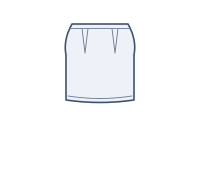
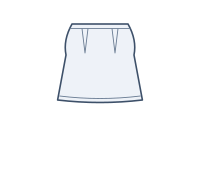
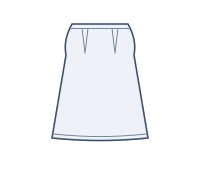
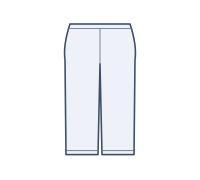
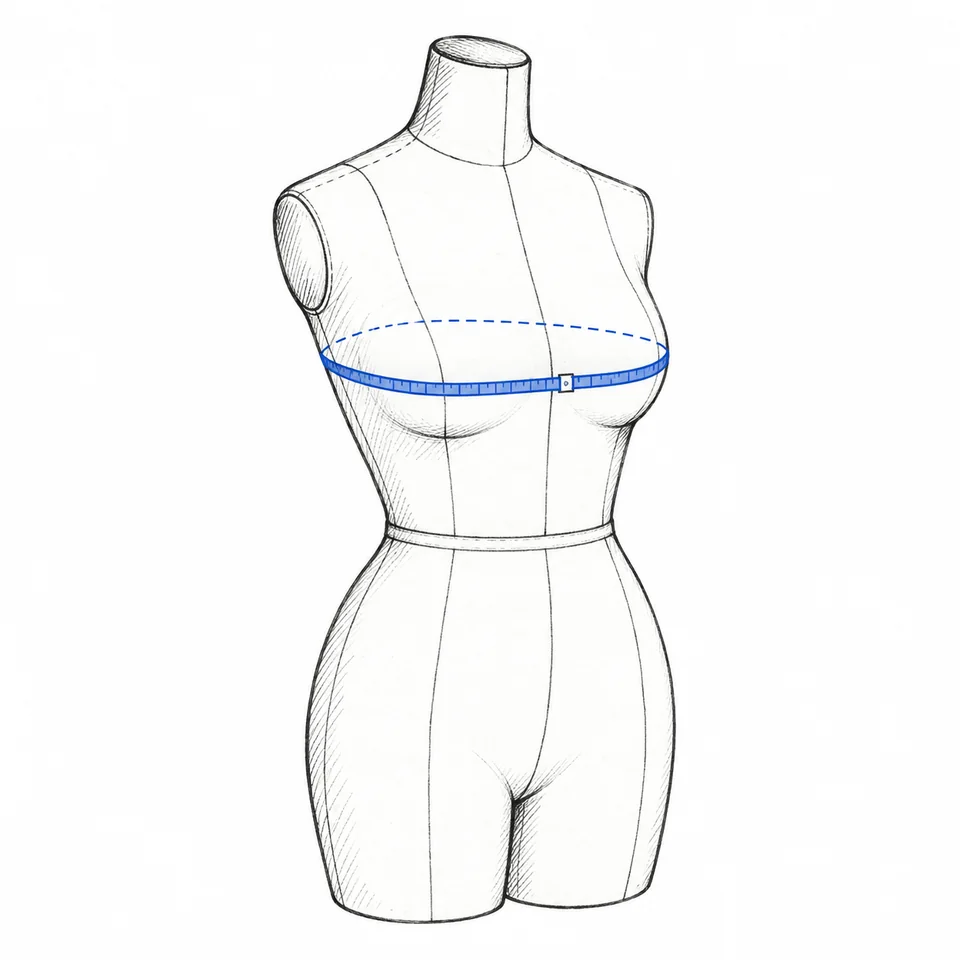
Know where to measure.
Follow tape-placement guides, enter centimeters or inches, and save dated measurement sets for each person.
Input checks flag missing values and measurements that need a second look.
Keep the foundation.
Change the design.
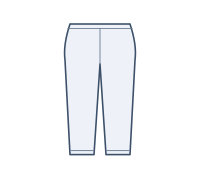
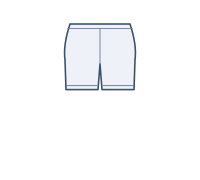
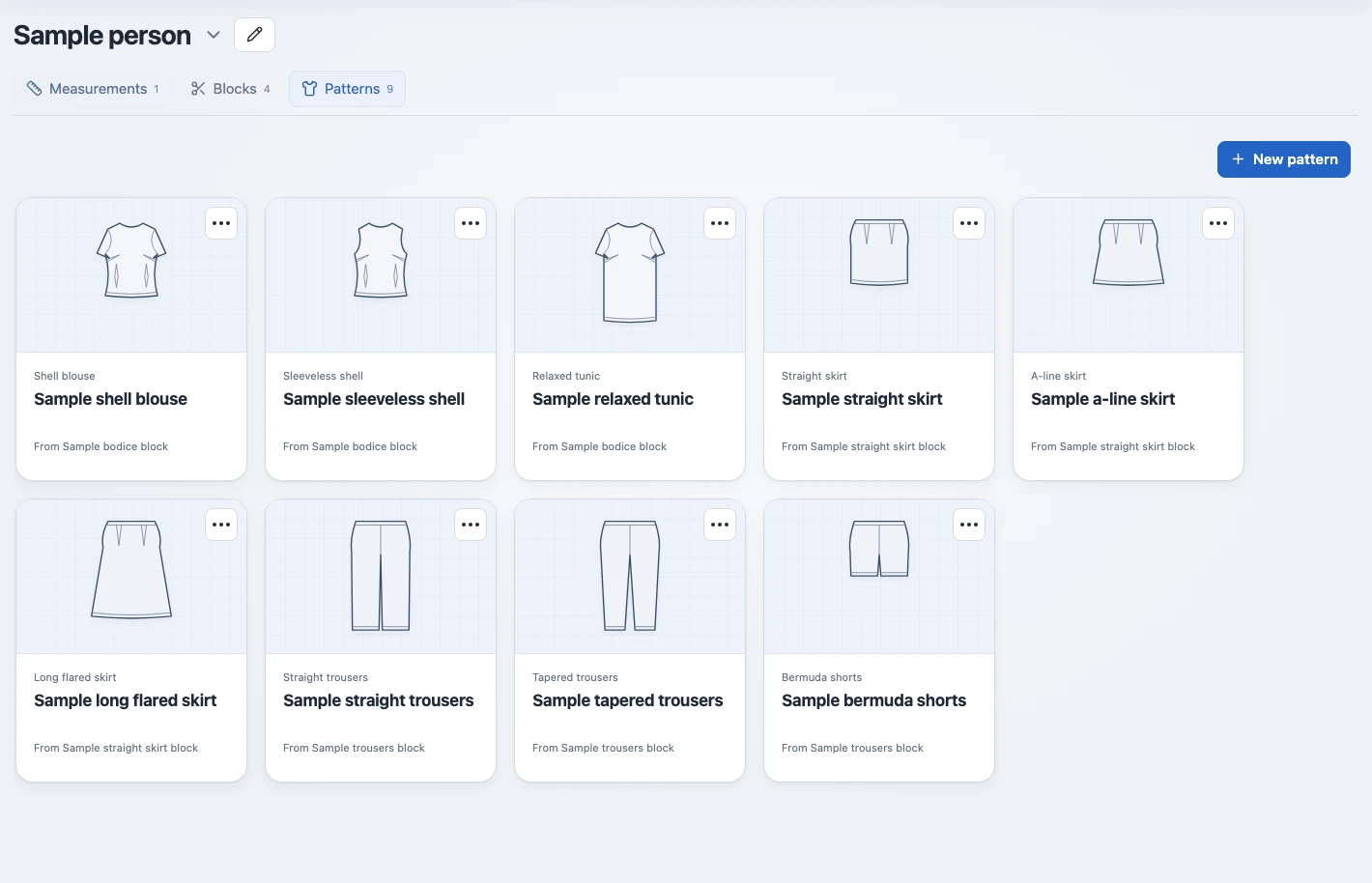
A block is the basic pattern your designs start from. Create bodice, matched sleeve, skirt and trouser blocks.
Bodice block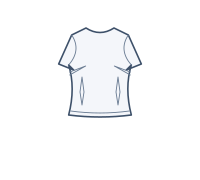 Shell blouse
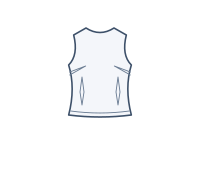 Sleeveless shell
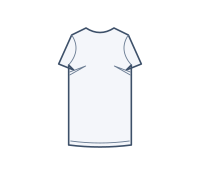 Relaxed tunic
See the pieces.
Explore the proportions.
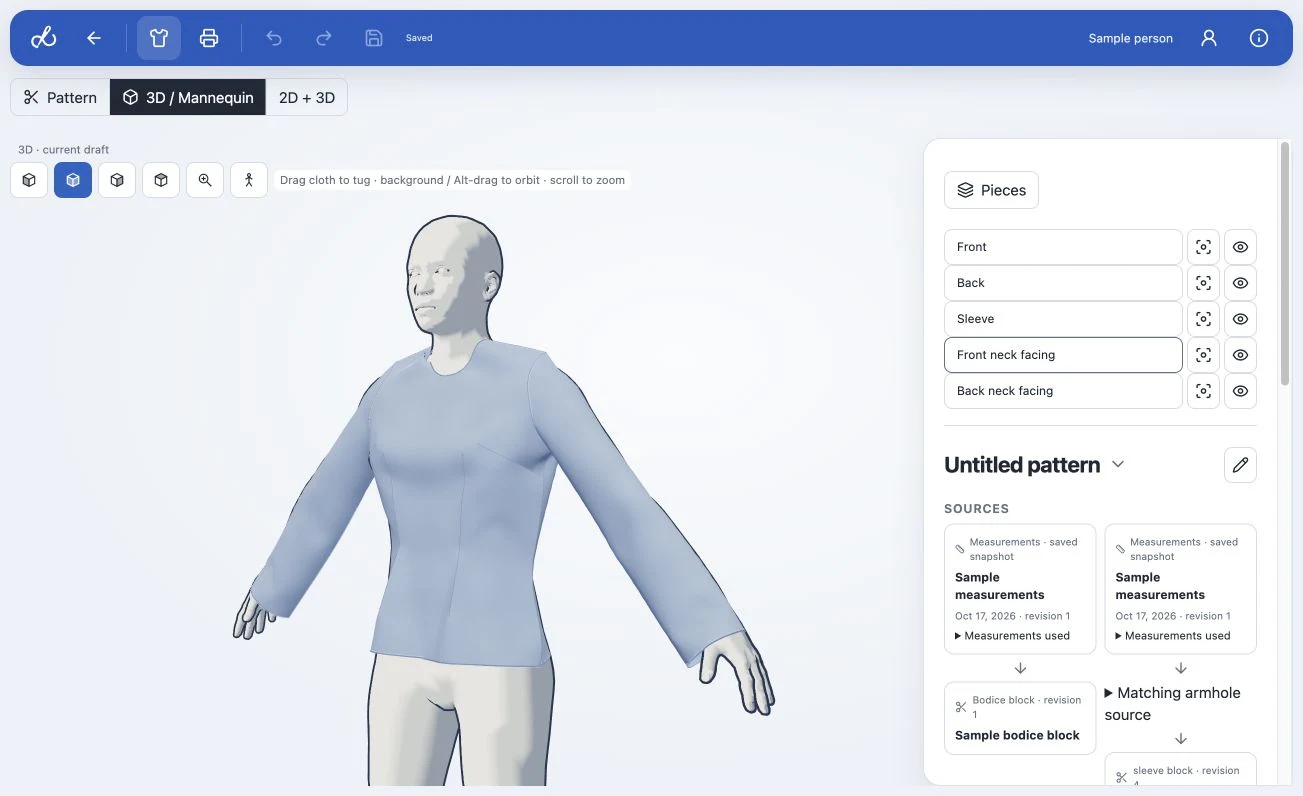
Inspect flat patterns and preview garments on a mannequin inferred from saved measurements.
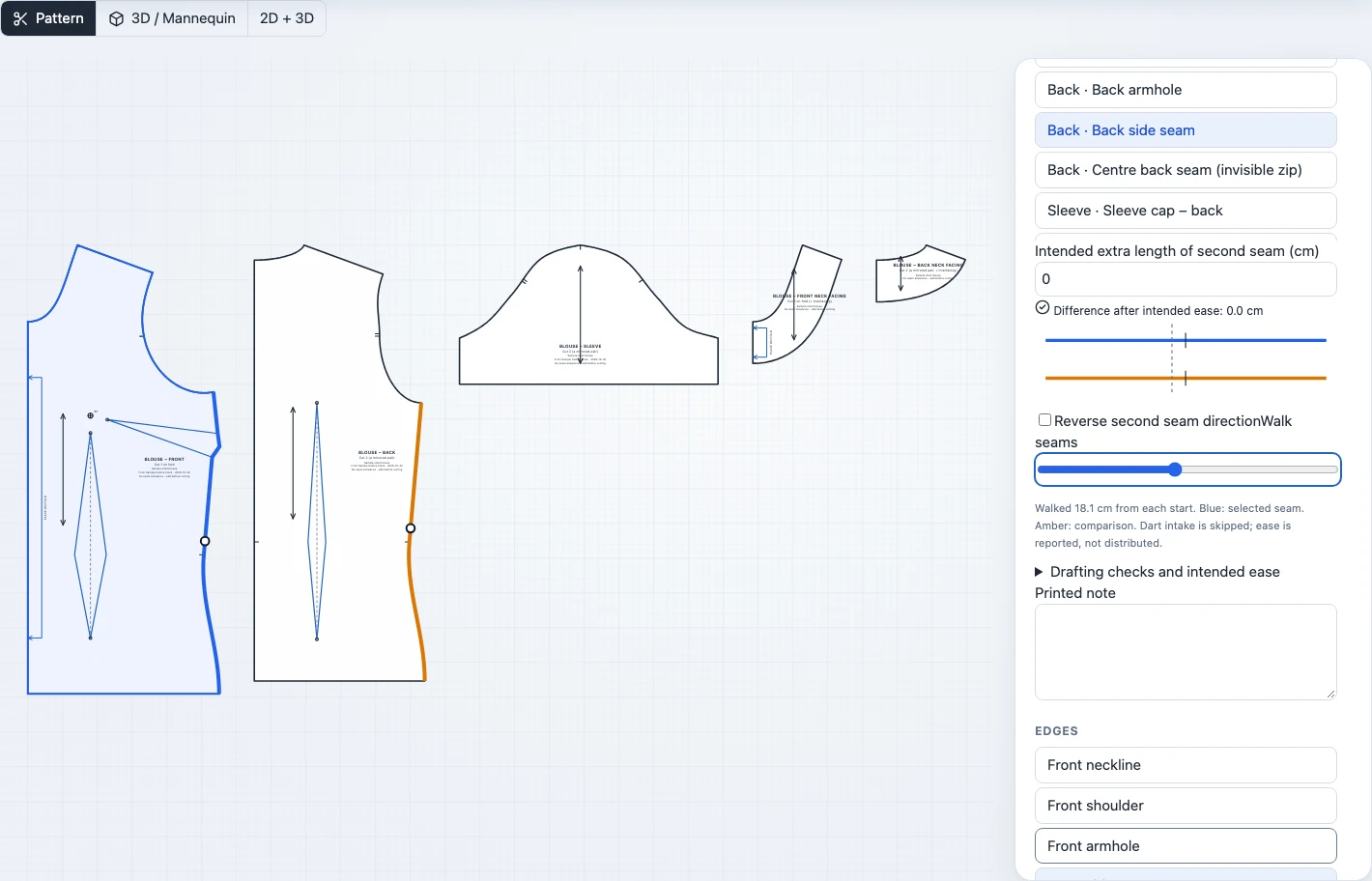
Check before you cut.
Select a piece, inspect its sewing lines, and walk two seams together. Compare lengths with dart intake excluded and intended ease accounted for.
Add a note to a piece and it appears on that piece in your PDF.
Keep each project’s
starting point.
Organize measurements, blocks and patterns by person. Every design keeps a saved copy of its sources.
Make a copy or create an updated version from different measurements or a compatible block. Your original stays in the library.
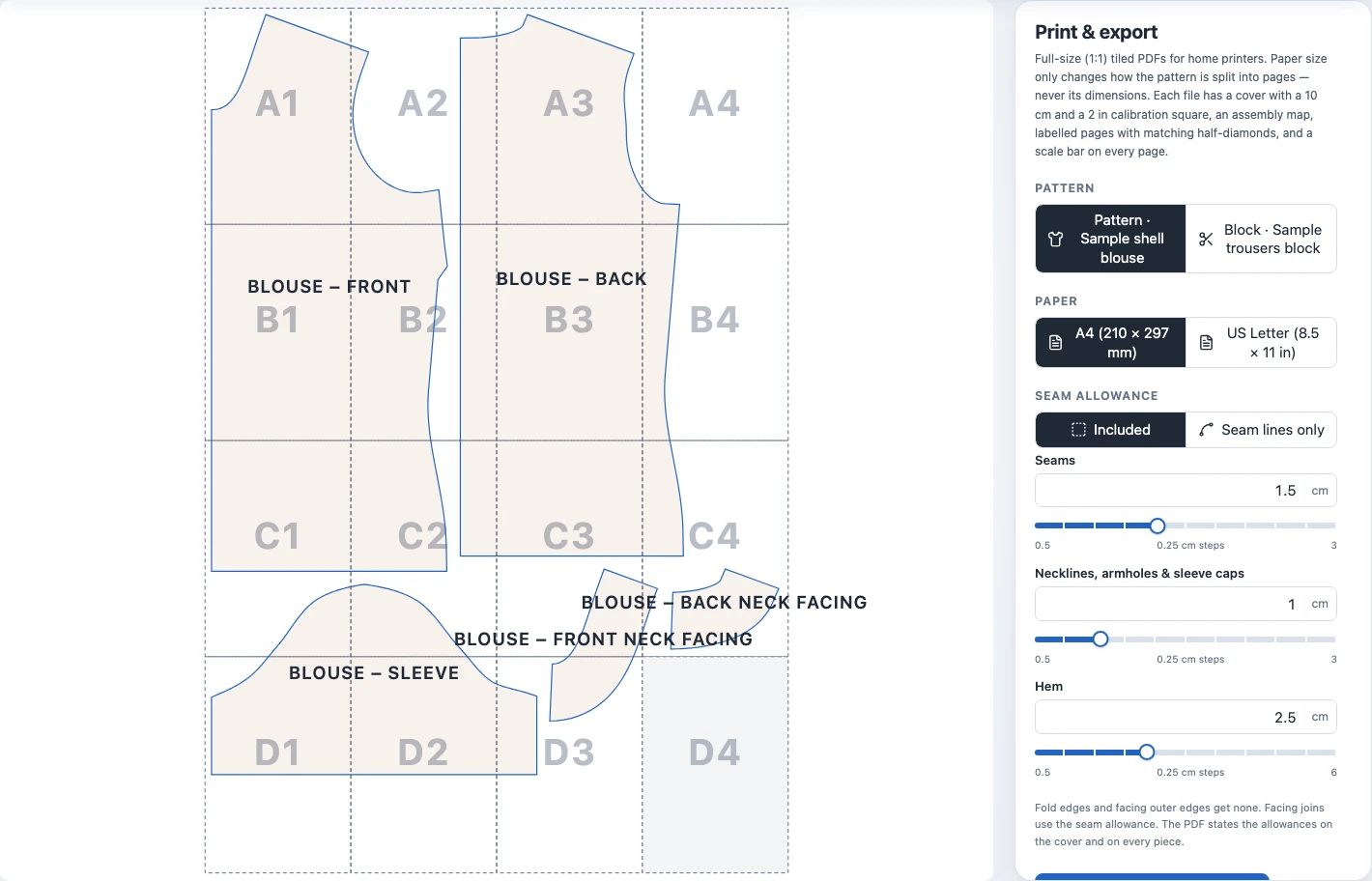
From screen
to sewing table.
- A4 or US Letter, at actual size
- Adjustable seam and hem allowances
- Assembly map and alignment marks
- 10 cm and 2 in scale checks
Before you start.
Do I need patternmaking experience?
Measurement guides and starting designs help you get going. Sewing knowledge is useful for checking the draft, choosing ease and fitting a test garment.
Can I upload an existing pattern?
Rheo drafts from body measurements. Importing or resizing existing patterns is not currently supported.
What do I need to use Rheo?
An account and a recent desktop browser. For making, you’ll need a measuring tape, an A4 or US Letter printer, and fabric for a toile.
Are sewing instructions included?
PDFs include pattern pieces, markings and page assembly guidance. They do not include a step-by-step garment sewing tutorial.
Start with a sample.
Make it your own.
Create an account to explore the starter library.